ChroGPS Dash
ChroGPS Dash is a lightweight, high-performance, and mobile-friendly web dashboard for monitoring GPS-disciplined Stratum 1 NTP servers on Debian (and equivalent) which run Chrony and GPSd. It provides real-time diagnostics and metrics for Chrony and GPSd, featuring a live satellite skyview, SNR telemetry, precision timing metrics, and more.
ChroGPS Dash is Free and Open Source Software released under the MIT License.
Quick Installation
One-Line Installation
On a Debian-based instance with a working Chrony and GPSd stack already in place, run the following command to install ChroGPS Dash:
curl -fsSL https://chro.gpsda.sh/install | sudo bash
Then, simply point your browser to http://chrogps-dash.local to access the Dashboard.1
(The installer handles the web server, permissions, and dashboard deployment automatically. Chrony and GPSd must already be installed and running – if you still need to set those up, see Hardware Setup
below.)
When installation completes, the installer generates a unique admin token and prints it prominently in the terminal. Save it – you will need it to access the Admin Panel and authenticate one-click updates. If you miss it, retrieve it at any time without changing it:
curl -fsSL https://chro.gpsda.sh/install | sudo bash -s -- -dt
Hardware Setup
Don't have a GPS/NTP stack yet?
Before installing ChroGPS Dash, you need GPSd and Chrony installed and configured for your GNSS receiver. If you don’t have this yet, the hardware provisioning script sets everything up automatically – whether you’re using a GPIO GNSS HAT on a Raspberry Pi (with PPS) or a USB GNSS receiver on any Debian-based system:
curl -fsSL https://chro.gpsda.sh/hardware-init | sudo bash
--uninstall flag.Screenshots
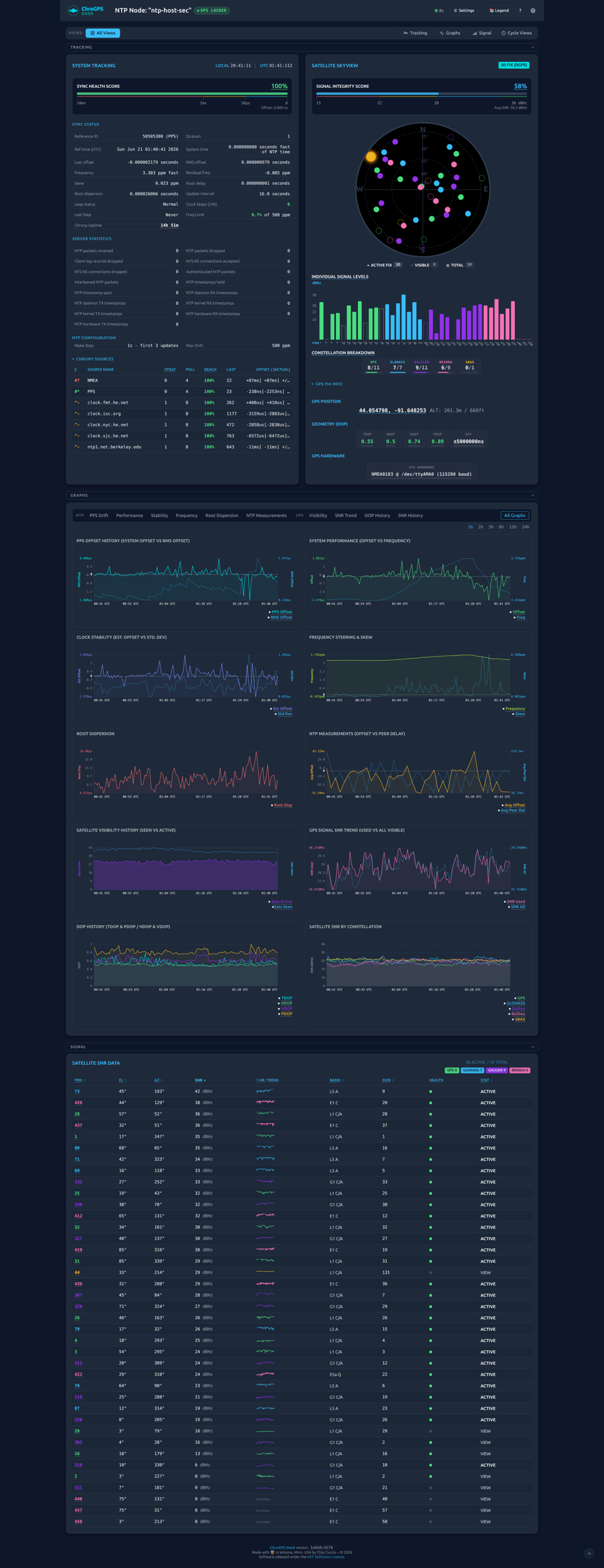
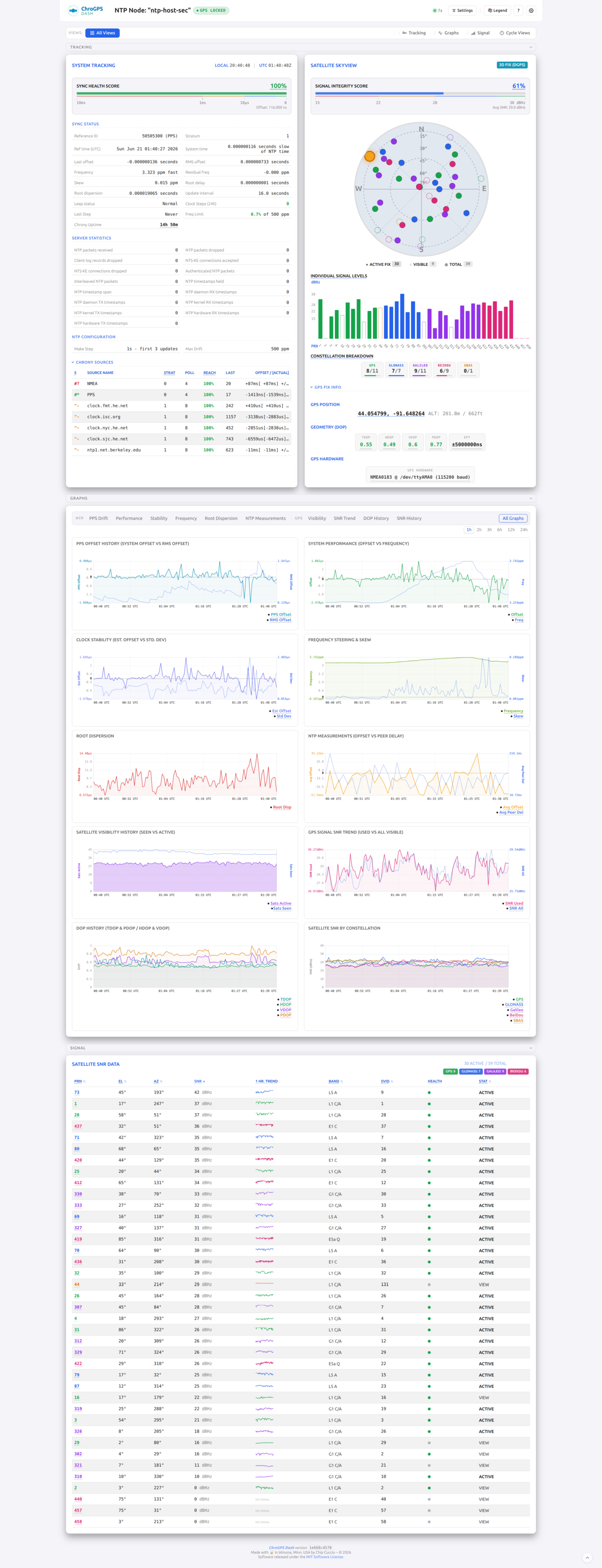
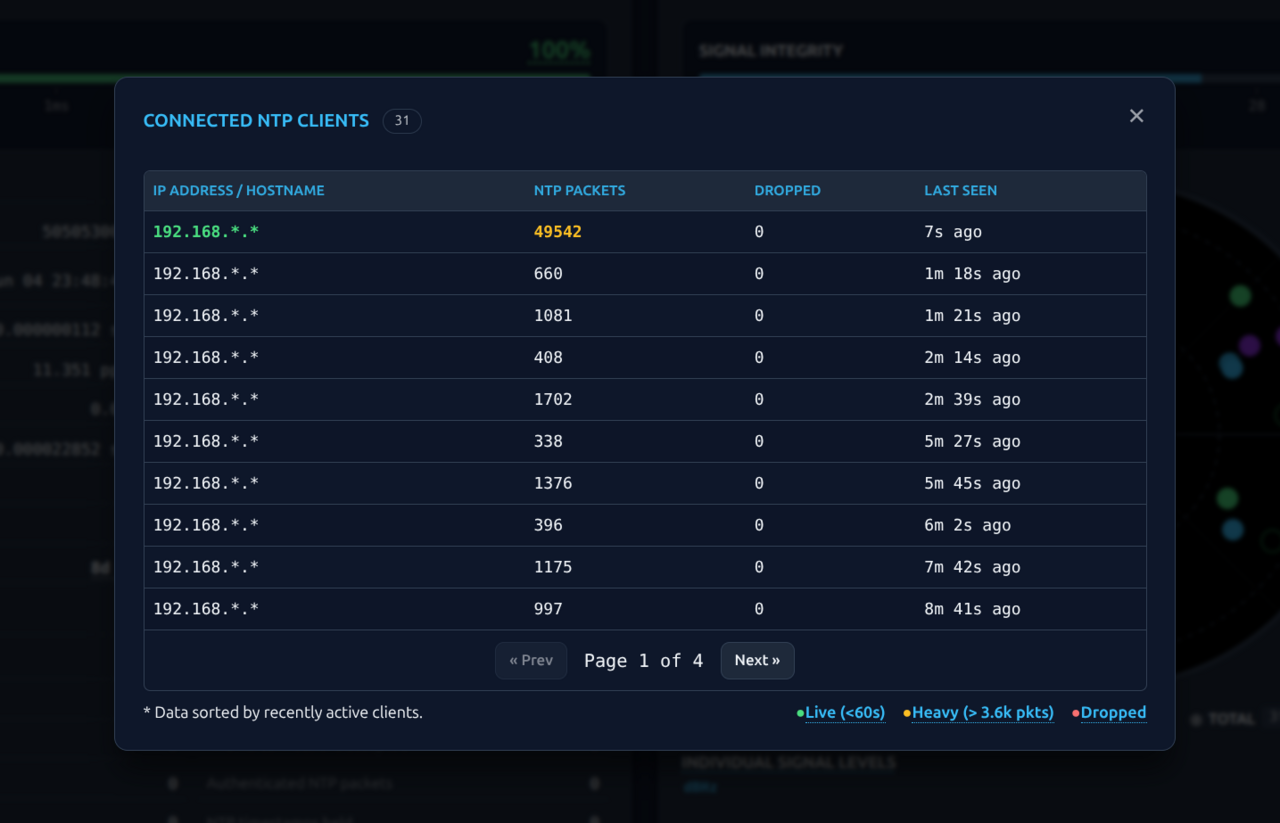
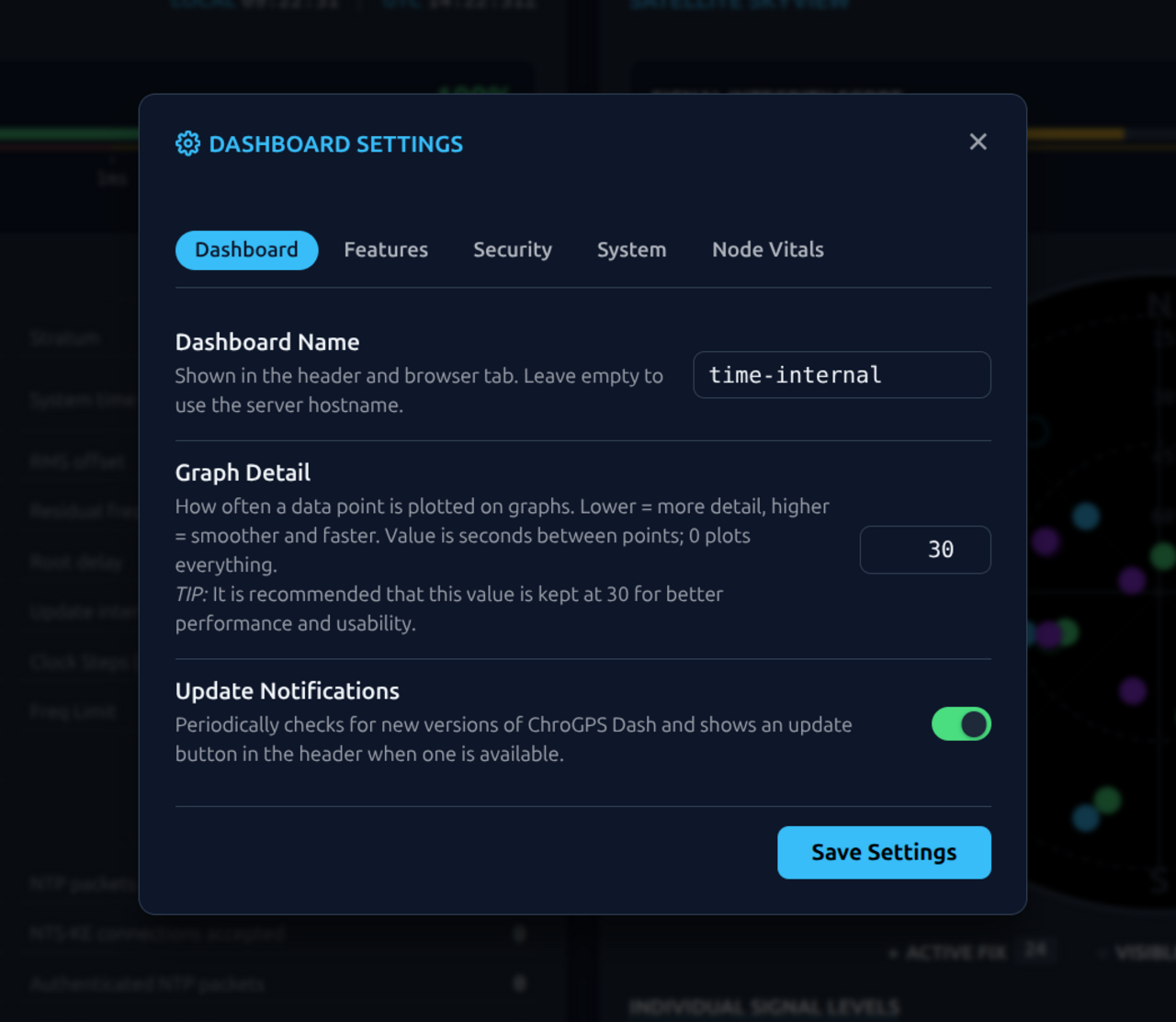
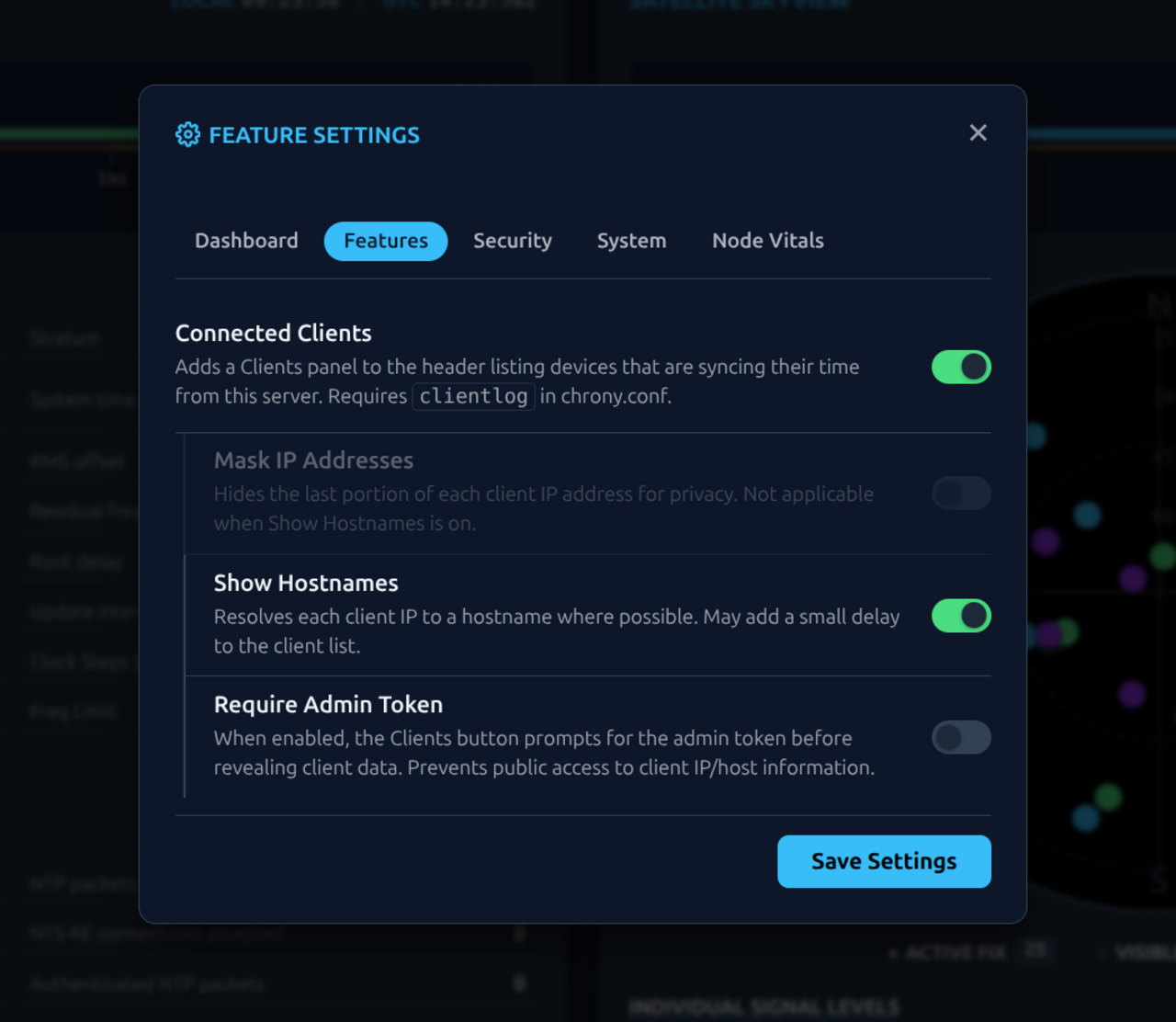
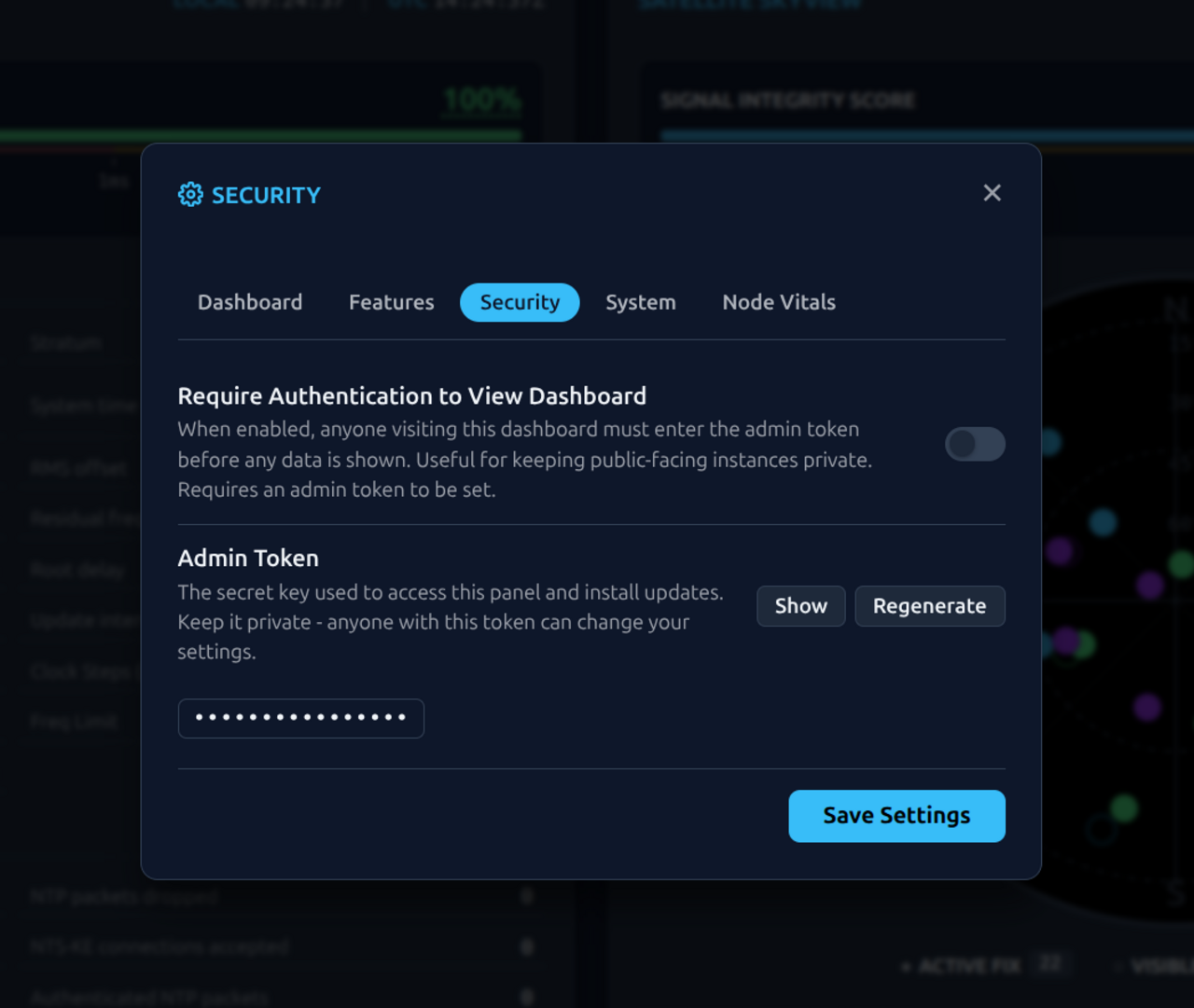
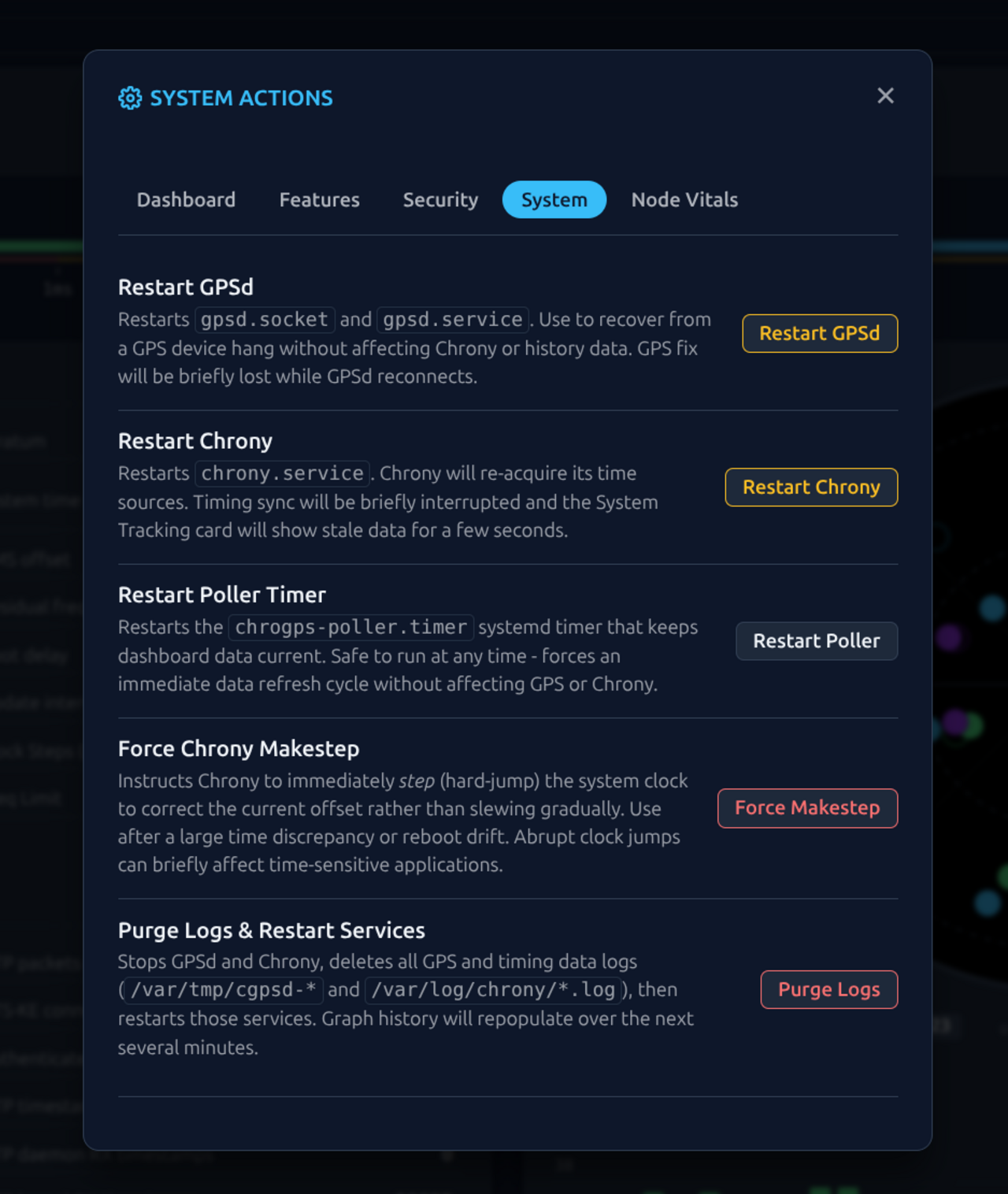
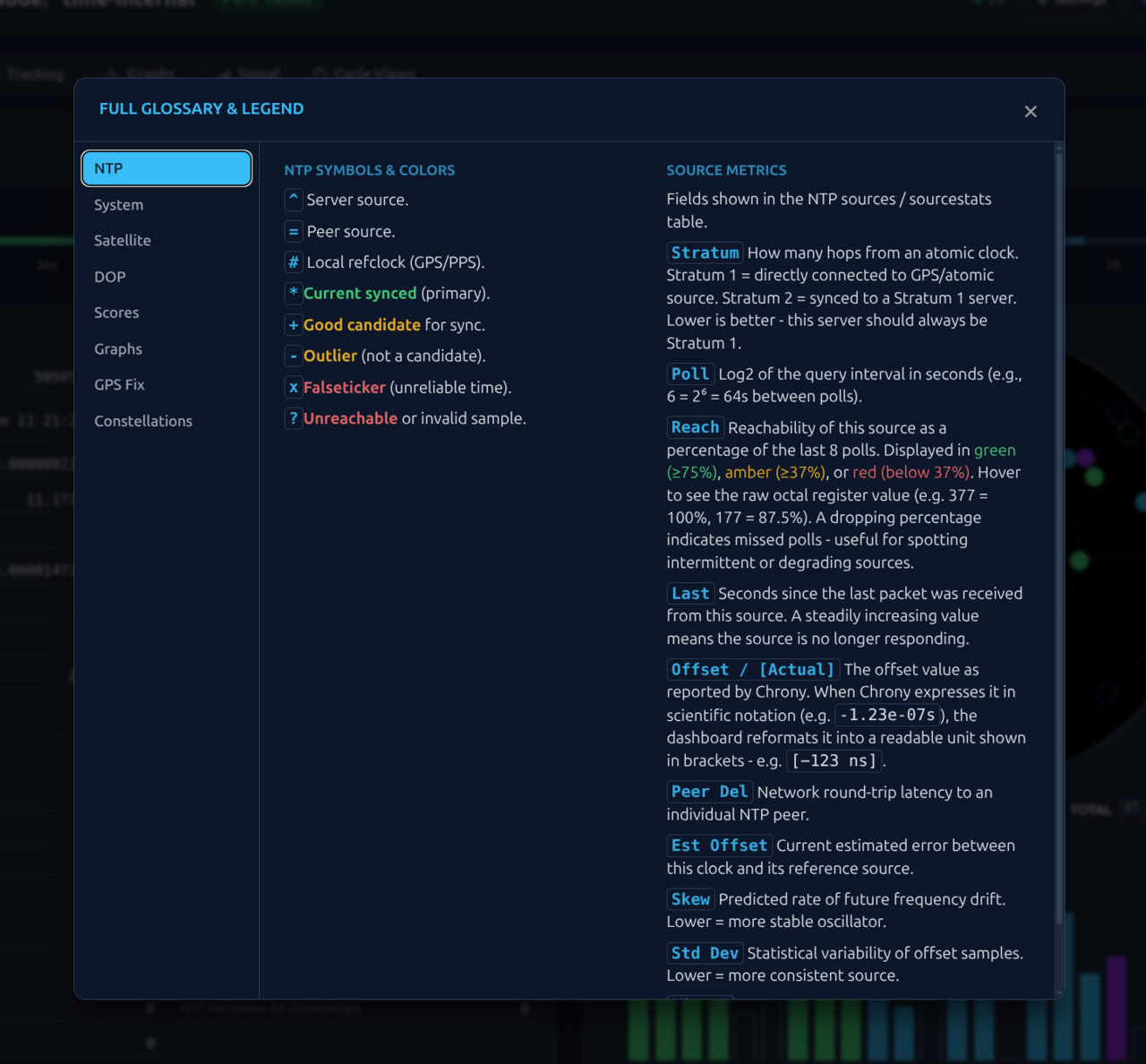
Features
- Mission Control Dashboard: A comprehensive, real-time view of Chrony sources, GPS satellite status, and an interactive skyview with per-constellation filtering.
- Signal & Sync Health Monitoring: Intelligent, color-coded health scores for antenna signal integrity and clock synchronization precision.
- Performance Tracking Sparklines: Instant visual SNR trends for every satellite, allowing you to monitor signal stability over the last 60 minutes at a glance.
- Native SVG Analytics: Ten interactive, server-side generated history graphs for performance, stability, and GNSS metrics - built with zero external dependencies.
- Advanced Solar Interference Tracking: Real-time solar position overlay to help distinguish solar interference events from hardware failures.
- Sophisticated UI/UX: A fully responsive, mobile-friendly interface featuring 22 color themes, keyboard shortcuts, draggable layout reordering, collapsible dashboard sections, and persistent satellite table sorting.
- Integrated Admin Panel: Browser-based configuration and system management (service restarts, log purging) without needing SSH.
- Lightweight & Private: A zero-dependency, self-contained PHP/JS backend with no external fonts, trackers, or internet requirements. Includes an optional dashboard-wide authentication gate for public-facing instances.
- Advanced Technical Design: Engineered with O(log n) binary search algorithms and a custom SVG graphing engine. See the Technical Specifications for more.
- Universal GNSS Compatibility: If GPSd supports your receiver, ChroGPS Dash does too. See the GNSS Compatibility Guide for details.
Updating ChroGPS Dash
Use the Built-In Update Button
When a new version is available, an Update Available button appears in the dashboard header. Click it, enter your admin token, and the update downloads, verifies, and installs automatically - with a live progress display. No SSH or command line needed.
Your admin token is always visible in the Admin Panel → Security tab, or by running a single command in your terminal:
curl -fsSL https://chro.gpsda.sh/install | sudo bash -s -- -dt
If you prefer the command line, simply re-run the Quick Installation command - it updates the dashboard in place and retains all of your custom settings .
Requirements
- OS: Debian 12 (bookworm) or greater, or a supported distribution .
- Hardware: Raspberry Pi or similar SBC with a GPS module connected.
- GPS/NTP Stack: Chrony and GPSd must be installed and configured before running the installer. If you need to set these up, the Hardware Setup script handles this automatically.
- Installed by the installer: Nginx, PHP-FPM 8.1+.
Supported Distributions
In addition to native Debian 12 (bookworm) or greater, the installer explicitly supports:
- Ubuntu: 22.04 LTS and greater.
- Raspberry Pi OS: Versions based on Bookworm or greater.
- Armbian: Versions tracking the Debian 12+ or Ubuntu 24.04+ repositories.
- Linux Mint: 22 and newer (based on the Ubuntu 24.04+ package set).
Documentation
Provision a GPIO GNSS HAT (Raspberry Pi + PPS) or USB GNSS receiver with one command; the same script reverses it with --uninstall
Install ChroGPS Dash without the one-line installer
Common issues and fixes
All optional settings, history graph logging, and installer command reference
Supported GPS receivers and how compatibility works
Internal logic, algorithms, and performance design
Internal code layout, request lifecycle, AJAX contract, data flows, and frontend structure
Development guidelines, settings architecture, and how to contribute code
Themes, color palette, typography, component specs, CSS authoring rules, and standalone page theming
Software License
ChroGPS Dash is distributed under the MIT License .
-
The ChroGPS Dash installer configures ZeroConf/mDNS so that the dashboard can be easily accessed from your local network via “
http://chrogps-dash.local”. If you do not want this functionality, run the installer command with the “-np” flag:curl -fsSL https://chro.gpsda.sh/install | sudo bash -s -- -npChroGPS Dash will then be installed and configured without the ZeroConf/mDNS (
avahi) daemon/configuration. ⤴